
Notes · · 3 min read
GitGraph 0.1 release notes
First public release of GitGraph. A small native git graph for macOS, Windows, and Linux. More updates are coming.
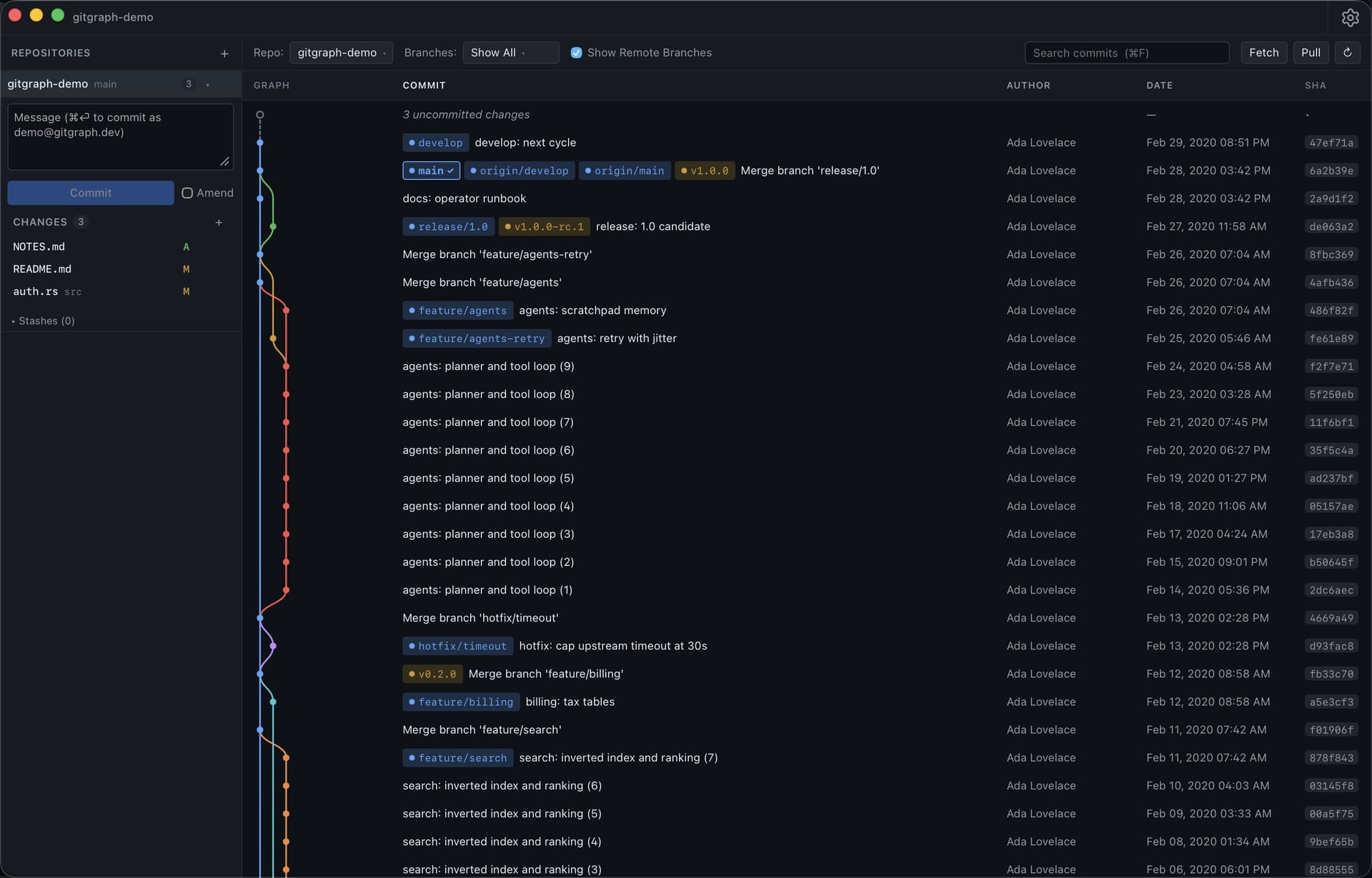
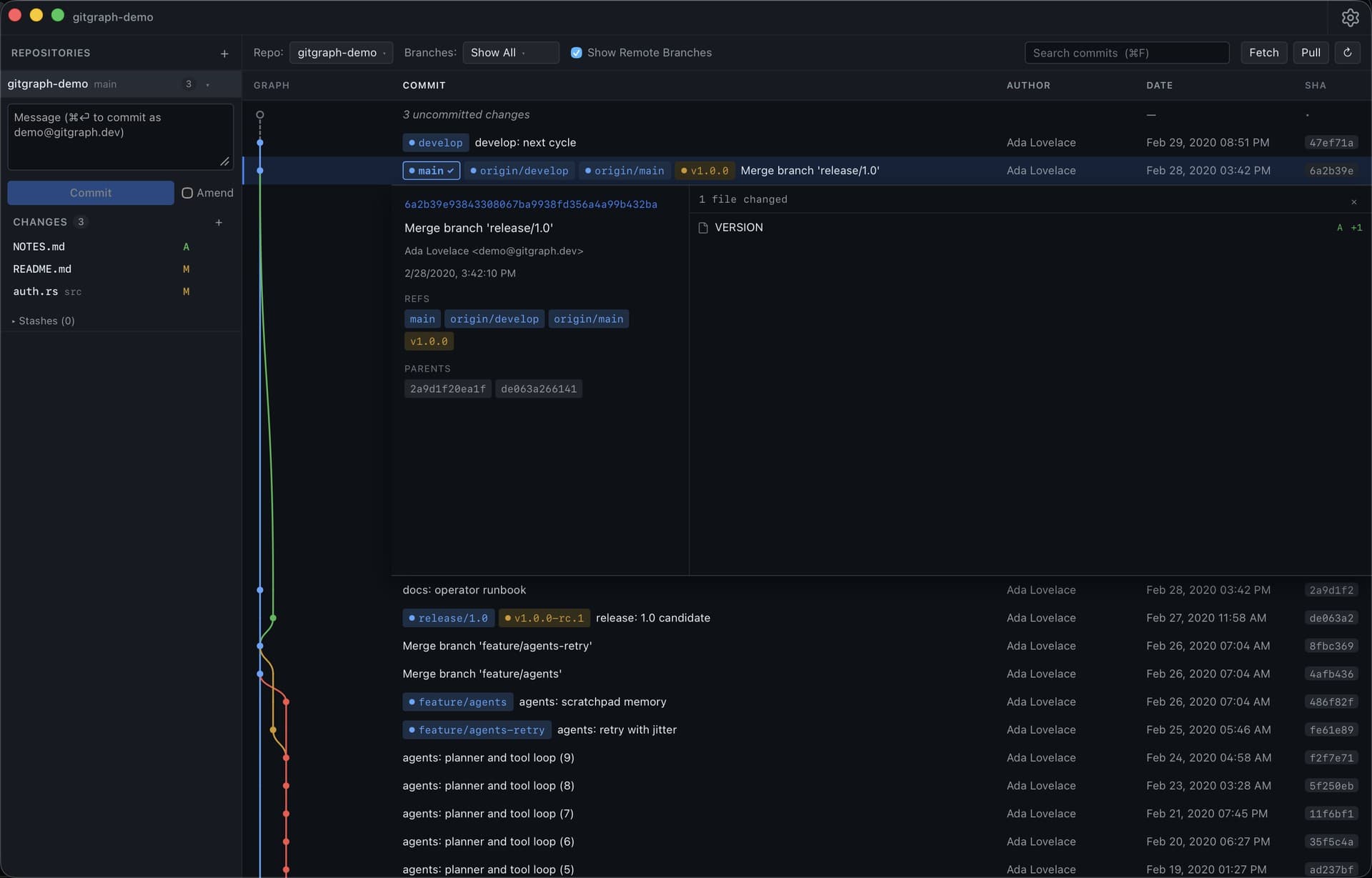
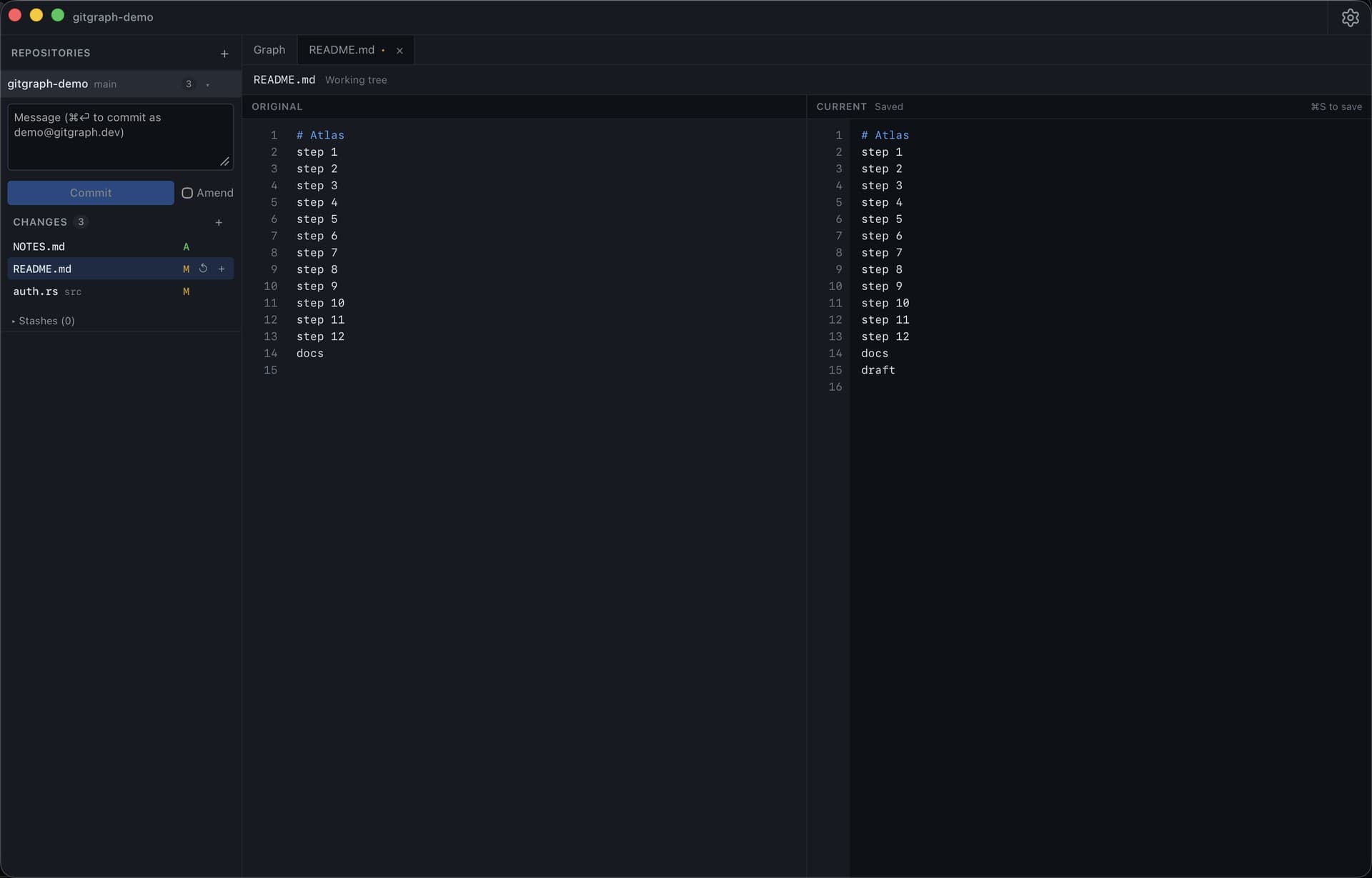
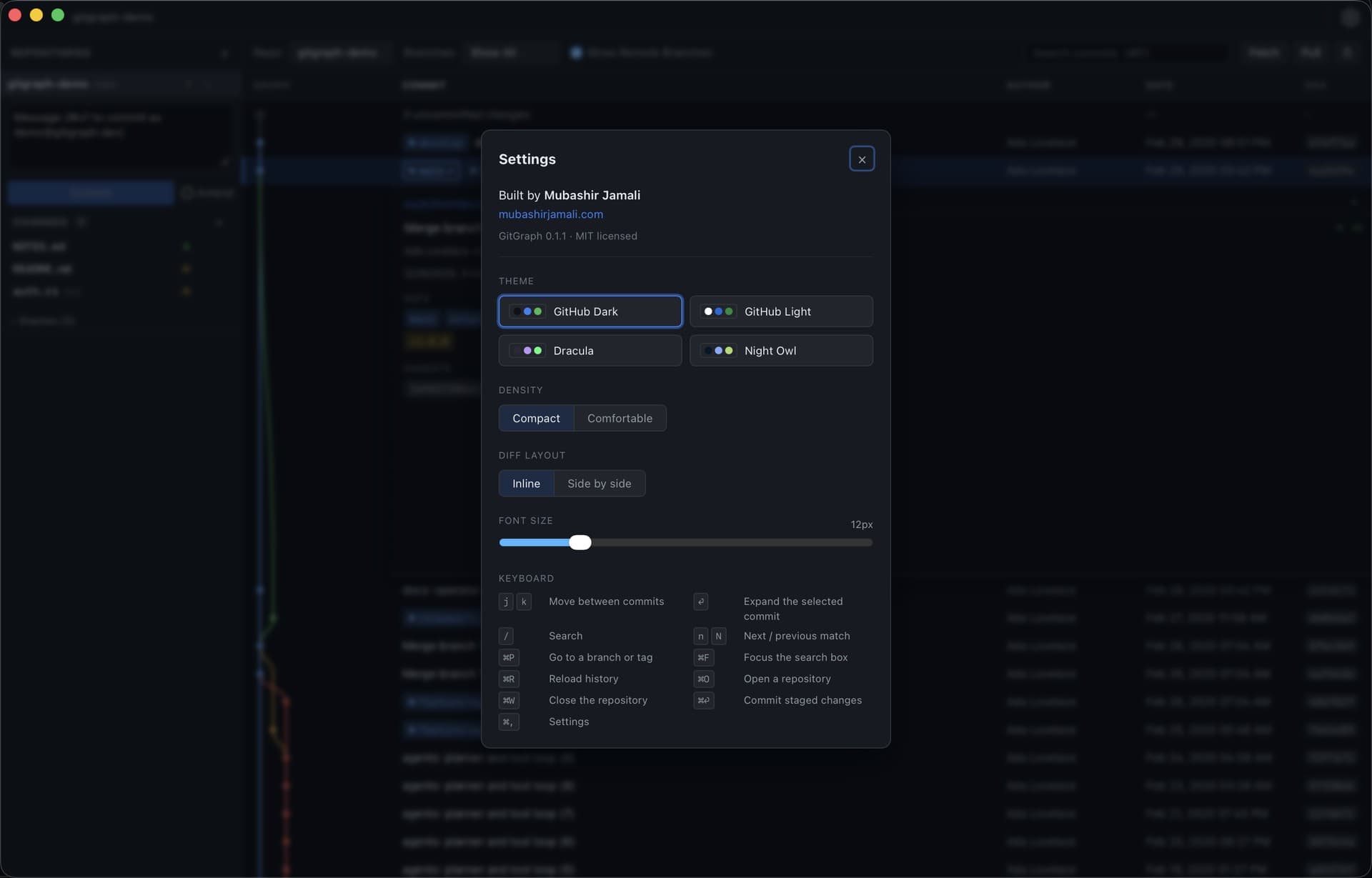
This is the first public release of GitGraph.
I kept opening VS Code only to look at a git graph. GitGraph is a small desktop app for that job. It runs on macOS, Windows, and Linux.
0.1 is usable on my own machines. Repositories sit in a sidebar. History is a graph next to a list. You can stage, commit, stash, and work with branches from the same window. Session state survives a restart.
Git from an unknown folder is treated as untrusted. Hooks stay off. Paths and refs are checked before they reach a command.
Builds are unsigned for now. On macOS: right click the app, then Open. If Gatekeeper still blocks it, use System Settings, Privacy and Security, Open Anyway. Installers are on the GitHub releases page.
This is an early build. More updates are coming. Feature requests and pull requests are welcome. Open an issue or a PR on the repo. Security reports: SECURITY.md or gitgraph@mubashirjamali.com.